Amortization Calculator Download for Excel
Amortization Calculator for Excel
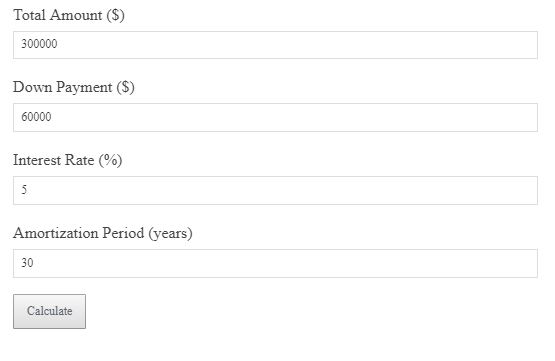
Download our simple Excel tool to calculate your loan amortization schedule. Enter your loan details to track monthly payments.
Not calculated yet.
This amortization calculator for Excel helps you easily calculate loan payments and track amortization schedules for different loan terms. Download it now for free!
Amortization Formula
Monthly Payment = Loan Amount × (Interest Rate / 12) / (1 – (1 + Interest Rate / 12)^(-Loan Term × 12))
Example Calculation
$20,000 loan, 5% annual interest rate, 15-year term → Monthly payment = $158.15.
Why It Matters
Calculating your monthly payment helps you understand your financial commitment and make informed decisions about your loan.
Smart Strategy
Consider the interest rate and loan term when deciding on your loan. A longer term may reduce your monthly payment but increase total interest paid.
FAQs
Can I download the calculator? Yes, the Excel tool is available for download directly from this page.
Does it work for all types of loans? Yes, it works for most standard loans with fixed interest rates and payment schedules.